 myStampingStash
Scan a barcode, snap a photo and note the shelf, and every ink pad, stamp set and spool of ribbon is searchable in seconds. Then pick the supplies for a card and share the list with your viewers: as a file, on your blog, or on screen while you stream. It all stays on your device, in one file you own.
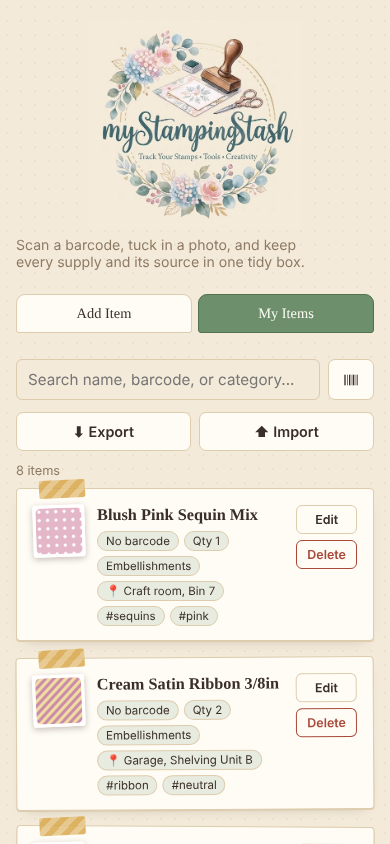
Scan the barcode with your camera, or just take a quick photo of the item.
Note the category, the shelf or bin it lives in, and a few tags of your own.
Planning a card? Search by name, tag or shelf and go straight to it.
Back up your file, move it to a new device, or send a read-only copy.
Scan a barcode or type an item number and the name and category fill themselves in, from a list the community keeps growing.
Each item remembers where it lives, so "that teal ink" is Craft Room, Shelf B2.
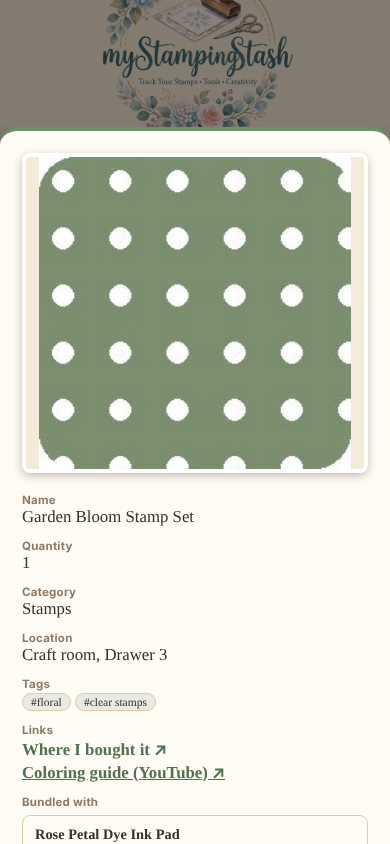
Link a stamp set to its dies and ink, and save named links like "where I bought it".
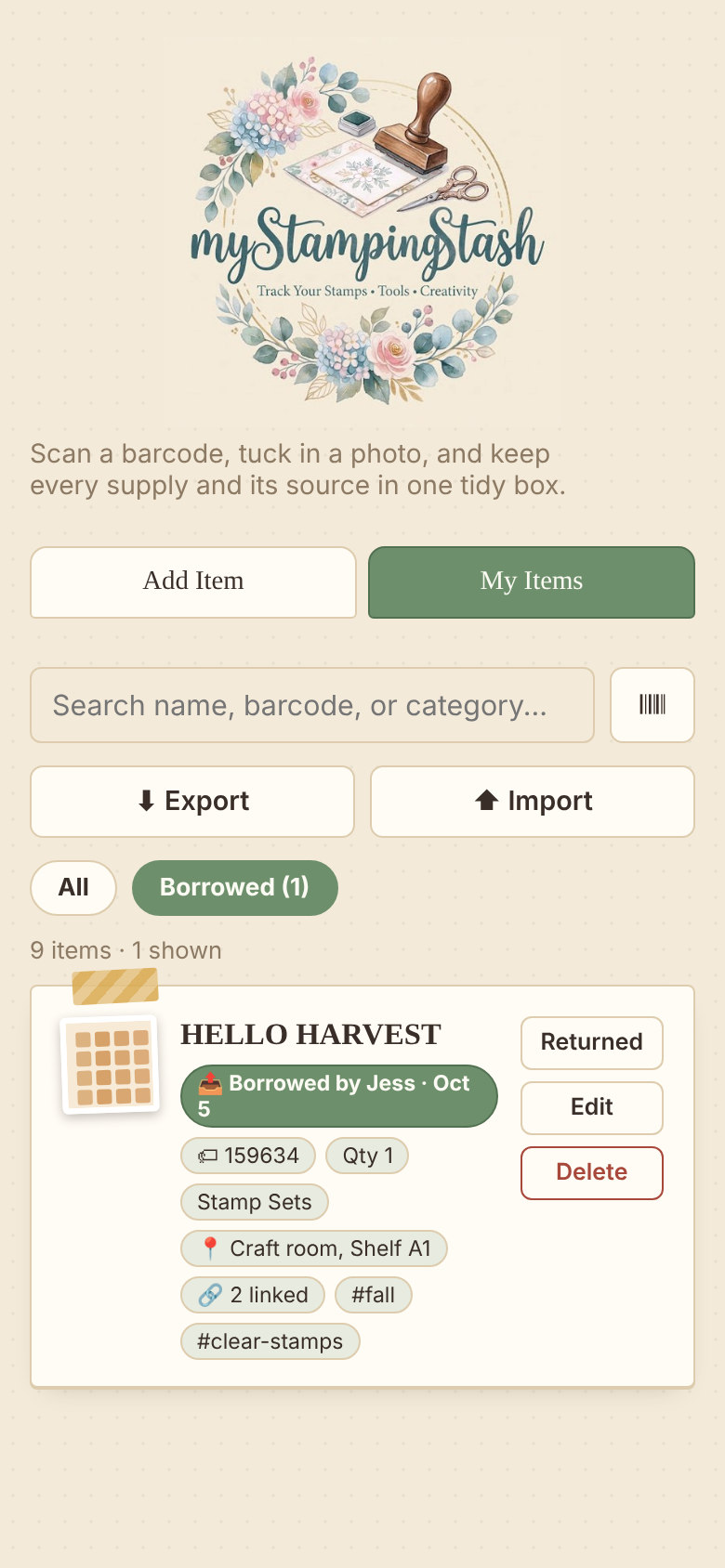
Mark an item as borrowed, note who has it, and tap Returned when it comes home.
No account and no cloud. Your whole stash, photos included, exports to one file.
Everything runs on your own device. The only thing that ever goes online is a product name you choose to share.
The app already knows thousands of item numbers. When you scan one it doesn't know, name it once and your phone remembers it. Then, if you like, share that name so the next crafter's scan fills in by itself.
Scan something new, type its name, category and tags, and it's saved on your phone. The next scan of that number fills in straight away.
Tick Share this name when you save it to send just the item number, name, category and tags. Sharing is off until you say yes, and nothing else from your stash goes with it.
A name is added when two or more crafters agree on it, or after a review. New names arrive in app updates, so the list still works offline.
No account, no sign-in, and your own stash never leaves your device. You can turn sharing off anytime from the Home screen.
Up to 20 people with an Android phone can try it before it goes live on Google Play. Ask to join the testing group and I'll approve you and send the install steps. Google asks testers to keep the app installed for 14 days.
Request accessYou'll need a Google account. Nothing is collected on this site.
Pick the device you'd use and leave your email. It's only used to tell you about the launch and the occasional update. Unsubscribe anytime.
Send a note and it goes straight to my inbox. If you'd like a reply, include your email.
myStampingStash — track your stamps, tools & creativity